
Work/Apps

Where's the Bus

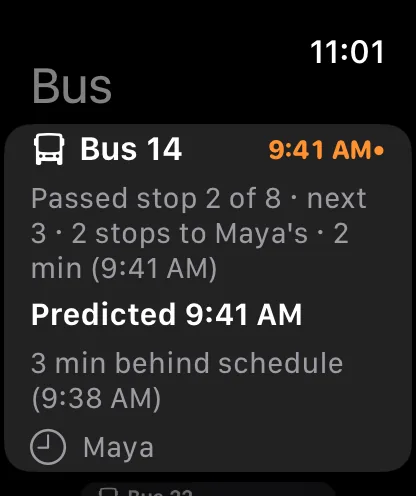
Where's the Bus shows a parent each child's school bus, when it reaches the stop, and who is on board. If the bus will get there first, it finds a stop ahead where you can still catch it.

DemoiOSwatchOSCarPlay

All names, schools, buses and data in this demo are made up. The buses drive real public roads, and stops are street intersections only. The demo makes no network calls for bus data, and the Tesla is simulated.

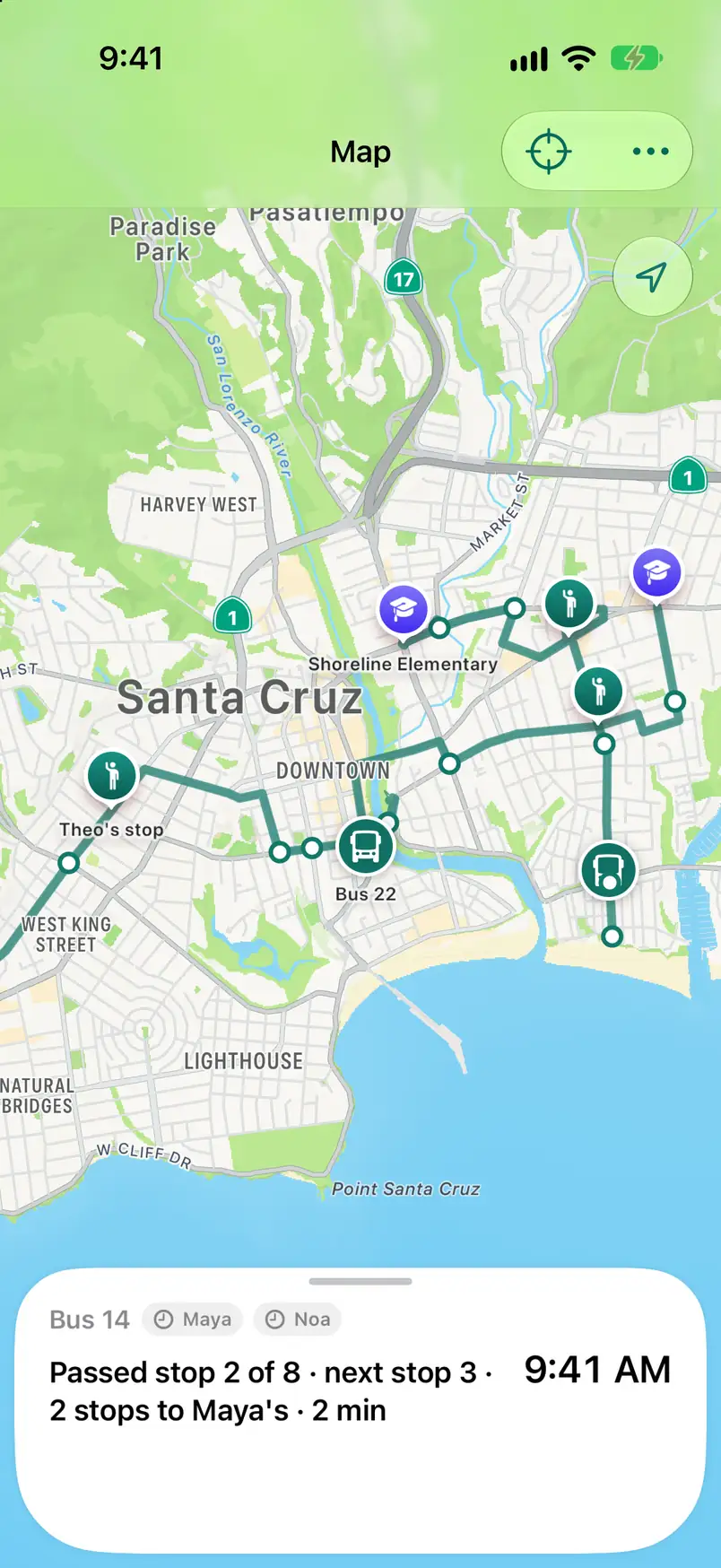
Map. Each child's bus on a live map, with a status card at the small size.
  1. 01Map. Each child's bus on a live map, with a status card at the small size.
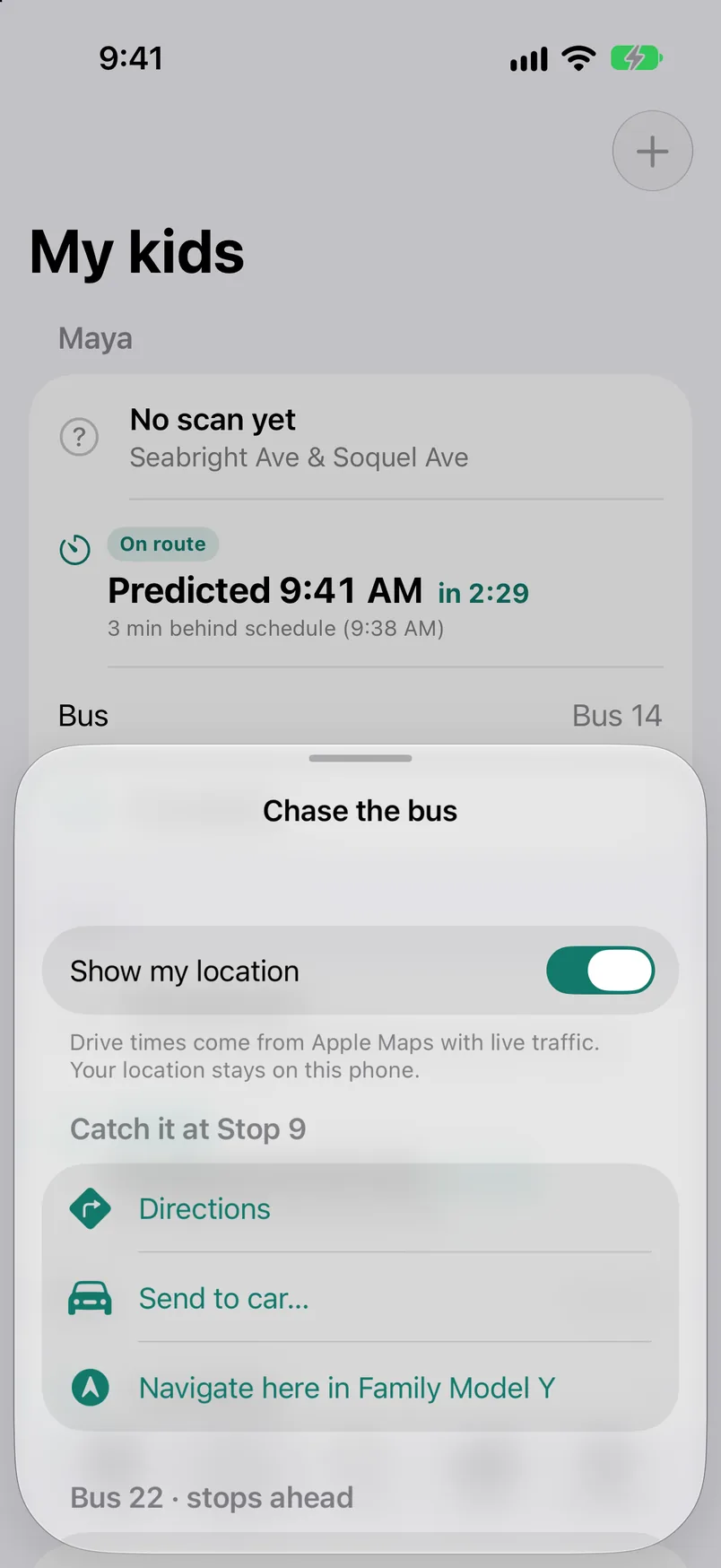
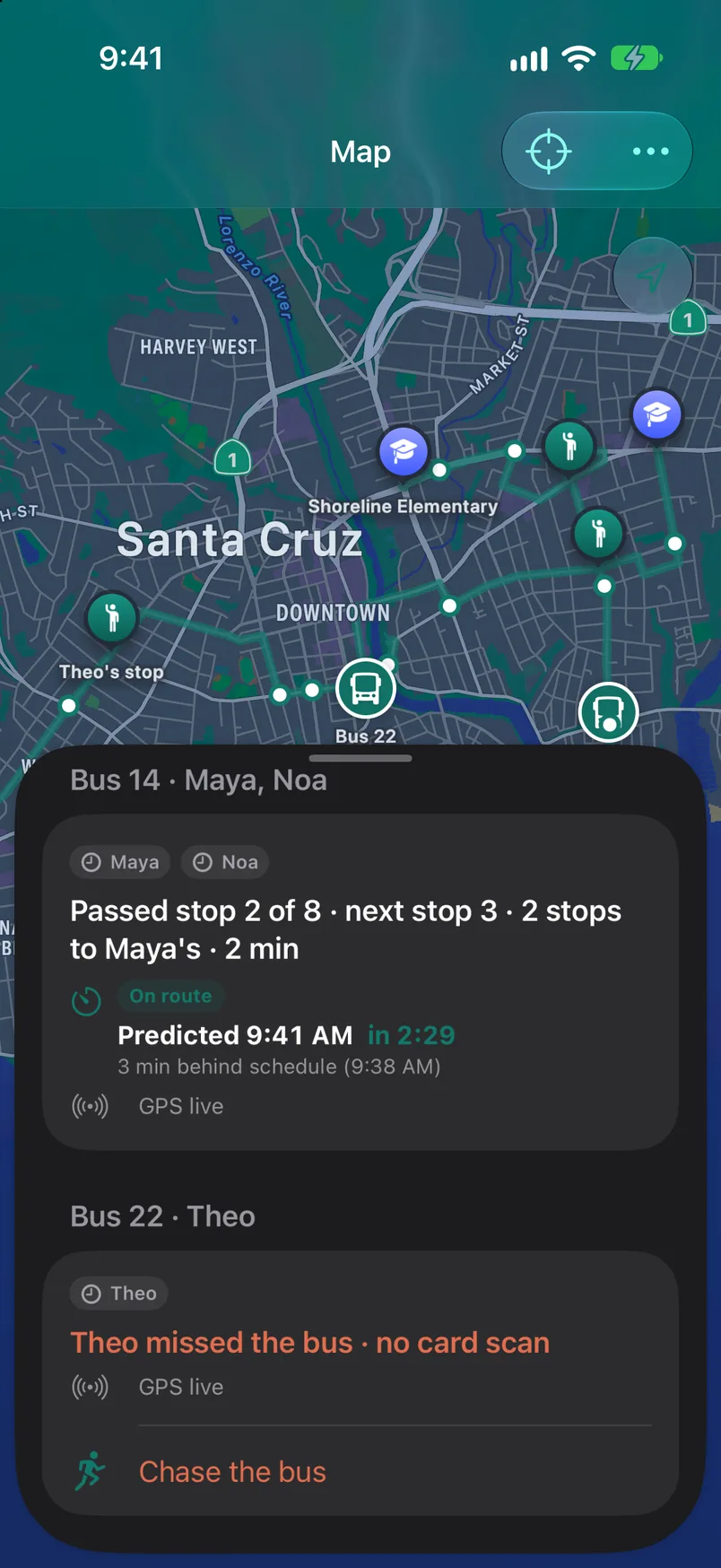
  2. 02The same screen with the card at the medium size. Both buses, and Chase the bus.
  3. 03My kids. A card for each child with the predicted time and the stop.
  4. 04One child's trip. The stop, the times, and what the bus is doing now.
  5. 05Trips. Pickup coordination, then each boarding and drop-off with its time.
  6. 06Stats. How far each morning pickup ran from the schedule, and a streak.
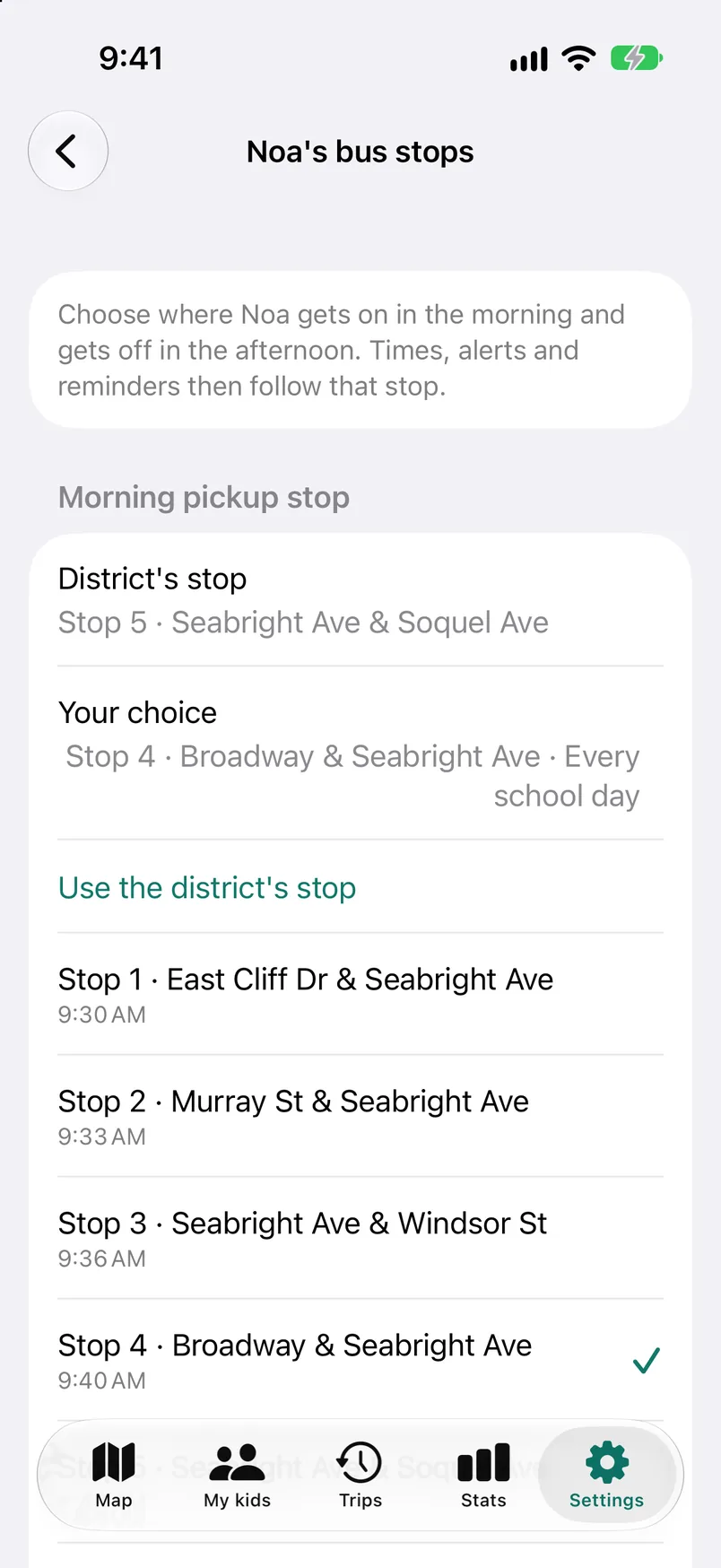
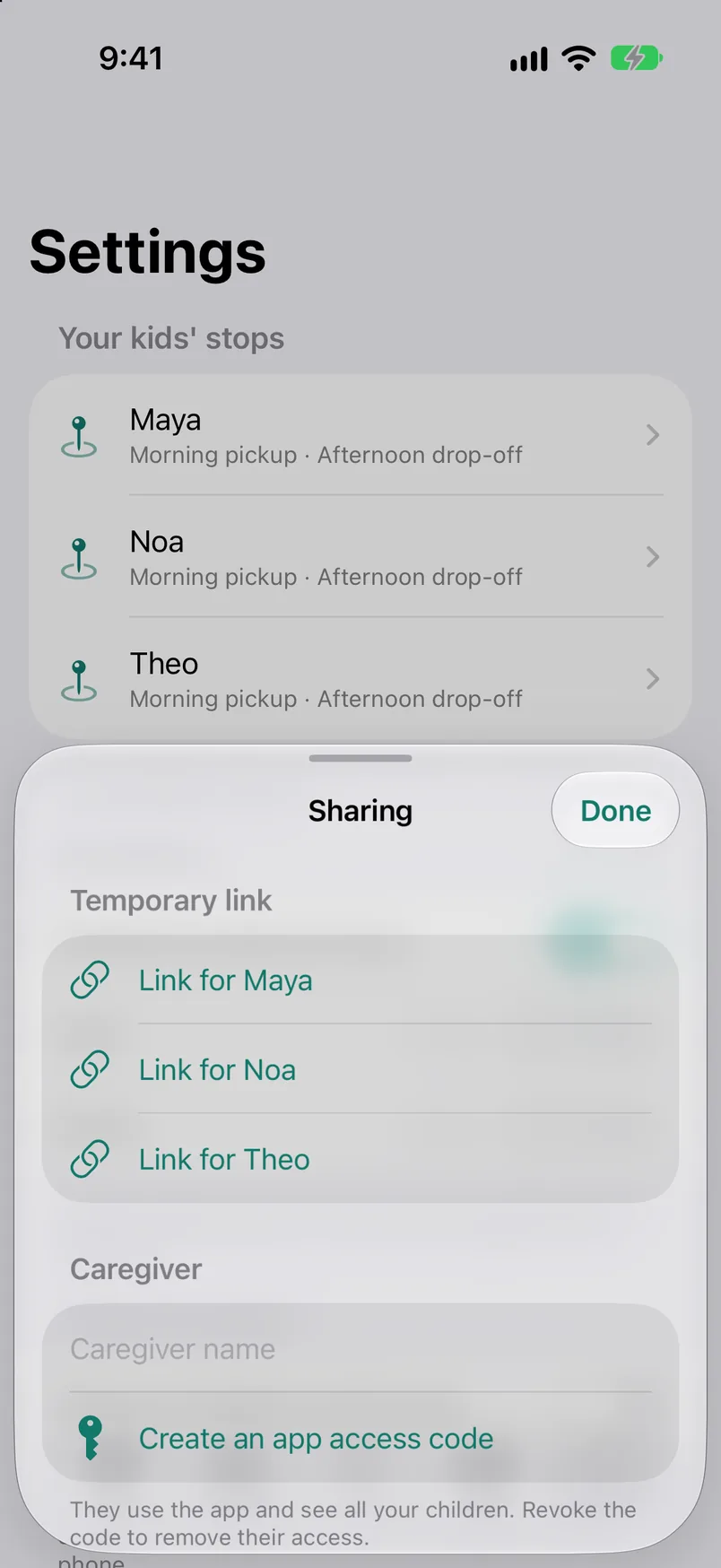
  7. 07Settings. A stop for each child, reminders, and chase options.
  8. 08Tesla and cars. Pair a car and open the car screen. The demo simulates the car.
  9. 09The car screen. What the Tesla's browser shows, with Navigate here. Nothing is sent.

Sample data

What it does

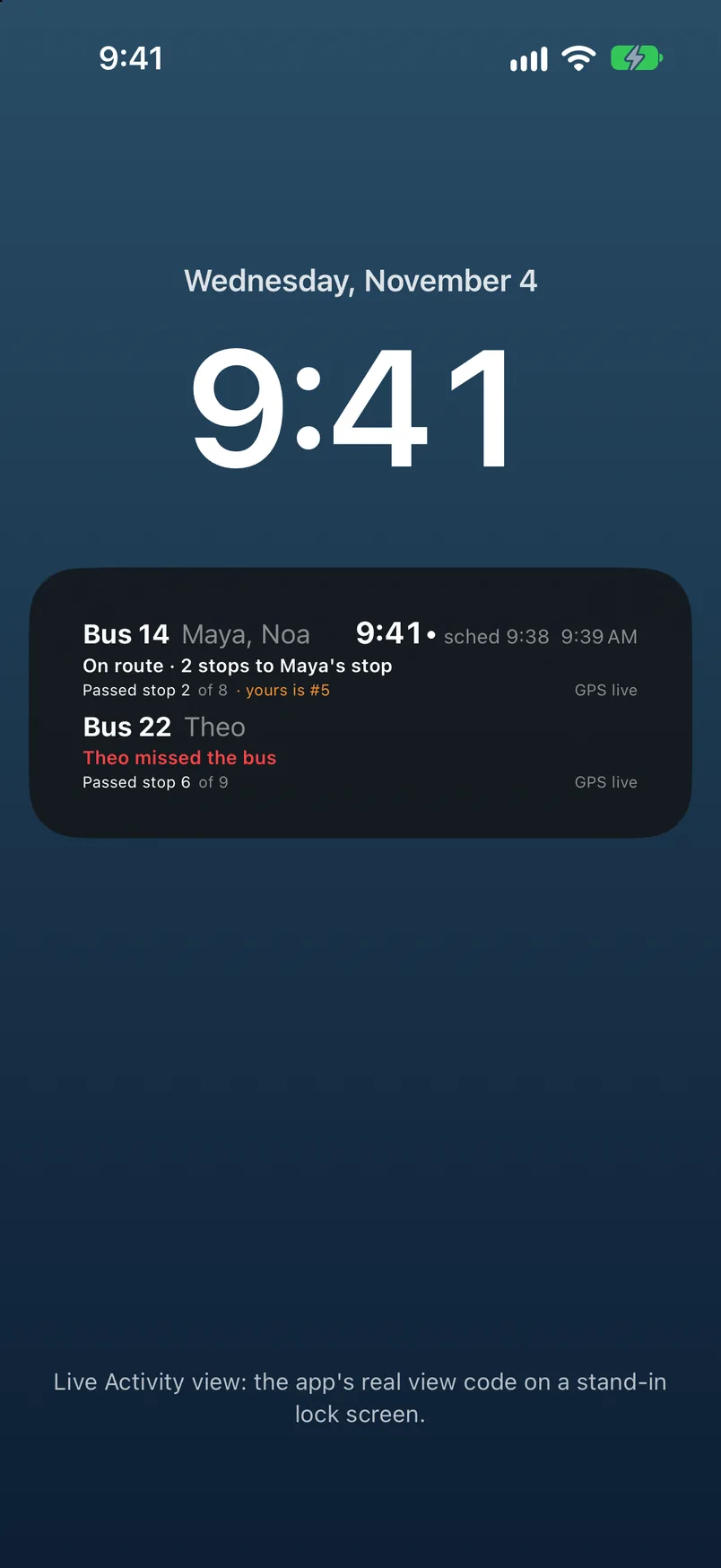
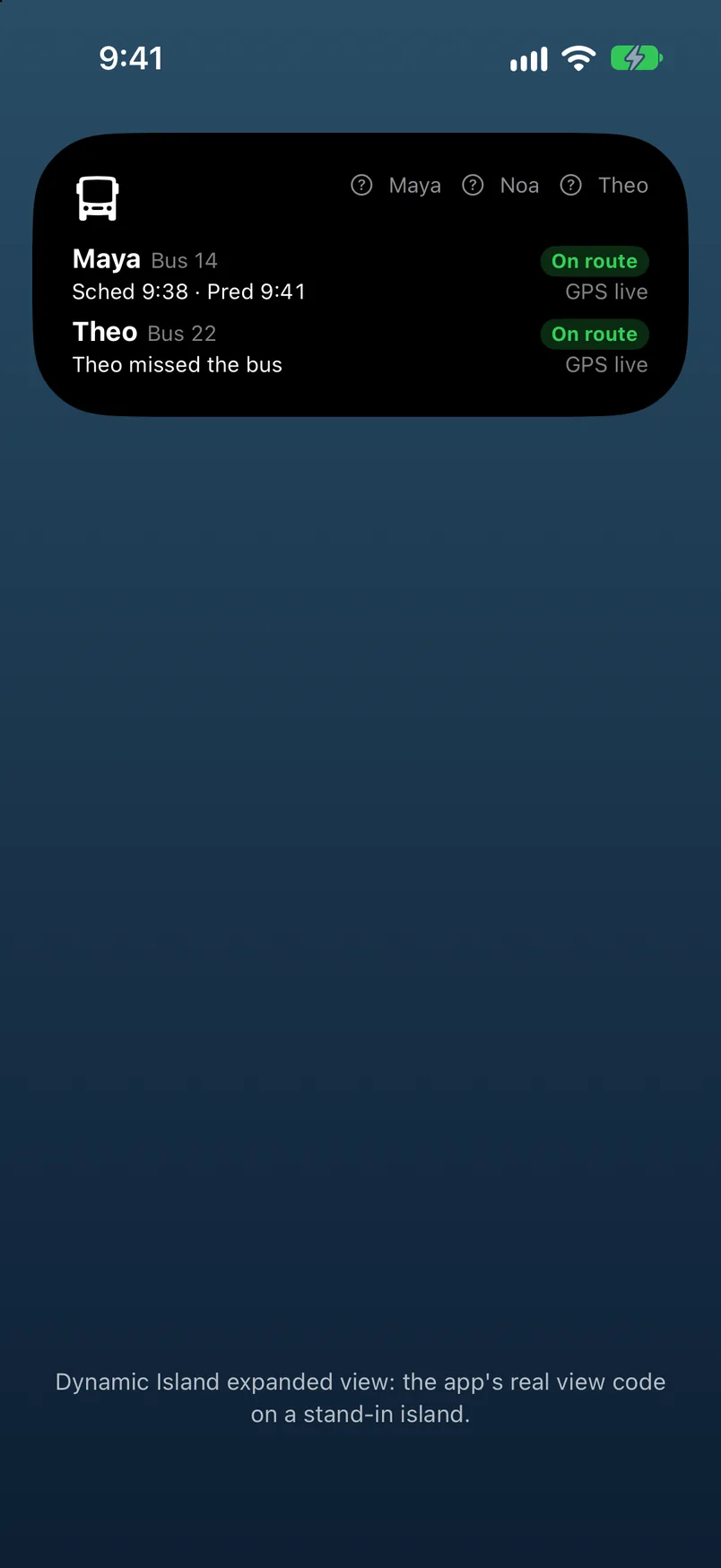
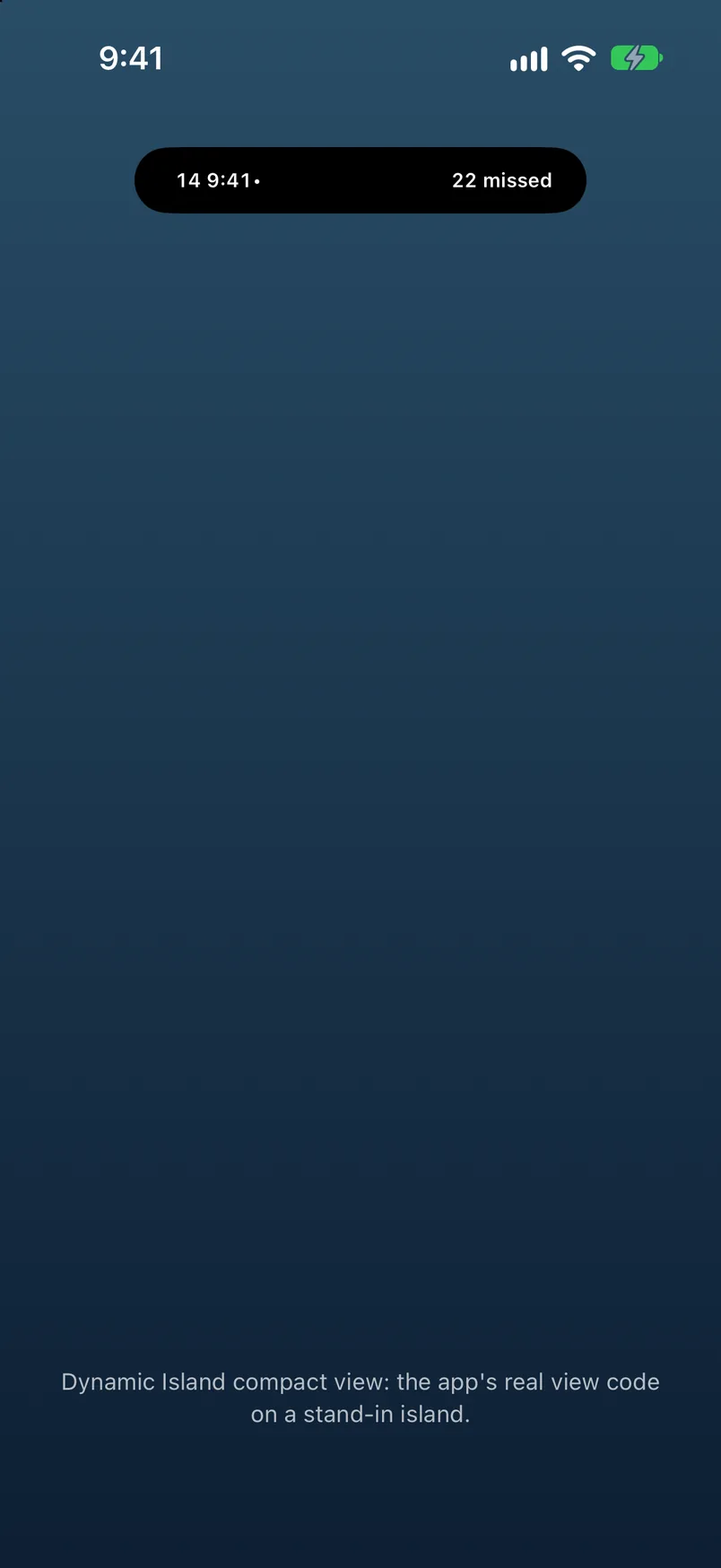
Each child gets a card with one big time and a label that says how much to trust it. About a minute before the bus reaches the stop, your phone tells you. When your child's bus card is scanned, the card flips to on board, and if the bus passes with no scan you mark the morning made or missed.

Chase the bus is for the morning that went wrong. The app lists the stops ahead with the bus's time next to your drive time, and picks the first one you can reach with a minute to spare. A caregiver can watch a trip without the power to change anything, and in a Tesla the chosen stop goes straight to the car's own navigation.
Hard problem we solved

A bus time is never one number

Ask when the bus comes and you get three honest answers. The school publishes a schedule. The bus has a usual time for that kind of weekday. And while GPS is flowing there is a live prediction. Show a parent one of those with no label, and they cannot know how much to trust it.

The app keeps the three as a ladder. The schedule sits at the bottom, the usual time for that weekday type above it, and a live prediction on top while the feed is open. Each card is labelled Predicted, Usually, or Scheduled, and a countdown runs only beside a live prediction. A stats screen keeps score of how accurate each kind has turned out to be, and without a Maps key, drive times fall back to a straight-line guess marked as rough.

The relay, a small Node and TypeScript server, holds a live feed only while a trip is inside its window. A 60-second loop opens and closes feeds, and a notification outbox retries alerts and expires old ones, so nobody gets a bus-arriving push an hour late.

iPhone appSwiftUI, Live ActivityCar screensCarPlay, Tesla browserRelay serverNode, TypeScriptSchool bus feedpositions, card scansApple Pushalerts, Live ActivityApple Mapsdrive timesTesla navigationstop sent to the car

Where it stands

A demo that runs on made-up data with a simulated Tesla, while the real app reads a school's live bus feed.

Gallery

Sample data. Fictional names and figures.

Beach Butler

Switches a Tesla's accessory power on and off by the clock, the sun, and where the car is parked.

Next in Apps